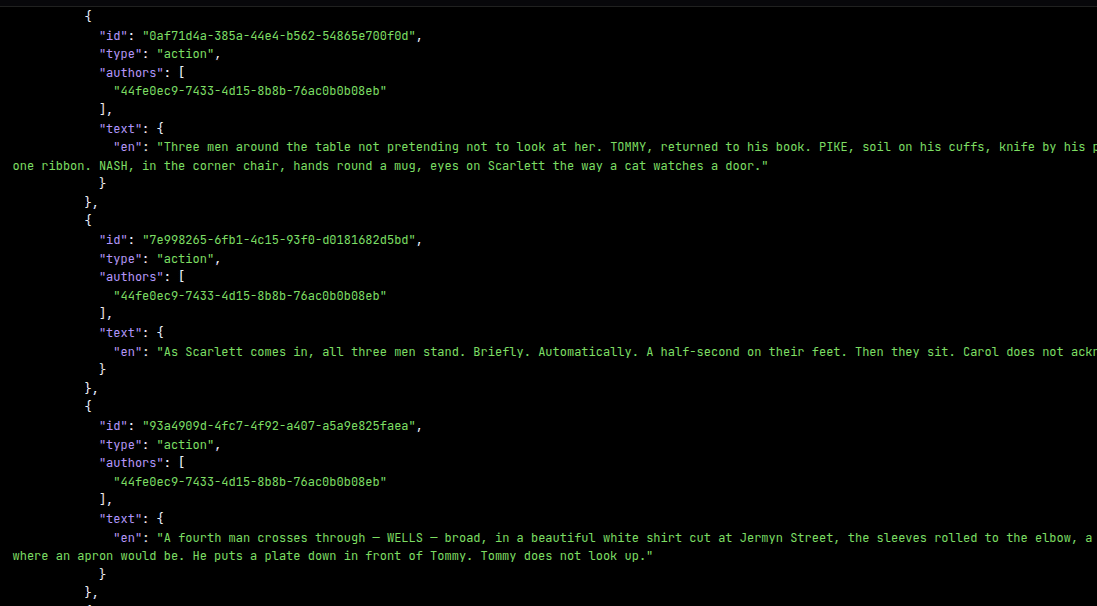
See what your screenplay looks like as data.
Paste a URL or upload a file below and hit the convert button. The demo runs it through the hosted conversion API and renders the result two ways: as an embedded @screenjson/ui viewer, and as raw ScreenJSON you can inspect and download.
Files stay on your machine until you click Convert. Conversion is handled by a stateless endpoint — nothing is stored.
Try it yourself with curl
curl -X POST "https://api.screenjson.com/convert" \
  -H "Accept: application/json" \
  -F "file=@./script.fdx"
Rendered
—
Your converted screenplay will render here once you submit a file or URL.
ScreenJSON
// No output yet. Paste a URL or upload a file above, then click Convert.Nothing persists
The demo endpoint is stateless. It converts and returns; your document is never written to disk on our side.
Same engine as the CLI
What you get here is byte-identical to screenjson convert. If the CLI doesn't support it yet, neither will this.
Need batch?
For bulk conversions with S3 ingestion and a task queue, use Greenlight.