What it is
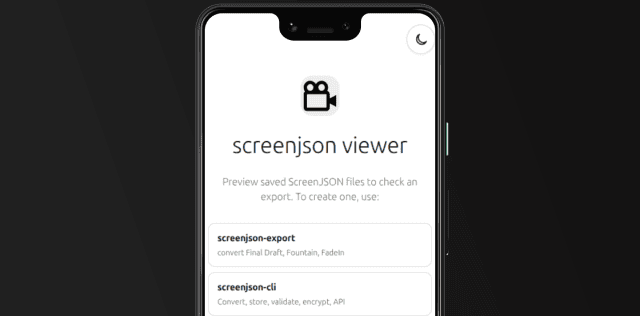
The Android Viewer is the ScreenJSON reader for Android devices. It packages the same viewer engine used on the web and desktop into a native Android app so scripts can be opened locally with a mobile-first reading flow.
It uses @screenjson/ui for pagination, rendering,
validation, language switching, and encrypted text handling.
What it does
- Opens local ScreenJSON files on Android phones and tablets
- Rejects invalid JSON and non-ScreenJSON files cleanly
- Supports encrypted documents with in-memory decryption
- Uses responsive screenplay layout on smaller devices
- Keeps the app read-only, with no editing or export surface
Install
git clone https://github.com/screenjson/screenjson-viewer.git
cd screenjson-viewer
npm install
The viewer now installs @screenjson/ui from npm as a normal dependency.
Android prerequisites
To build for Android, install:
- Android Studio
- Android SDK
- Android NDK
- JDK 17
Set ANDROID_HOME and NDK_HOME before running the Android commands.
Android development
npm run tauri:android:init
npm run tauri:android:dev
After init, confirm the generated Android manifest includes the expected file
association for application/vnd.screenjson+json.
Build for release
npm run tauri:android:buildThe generated Android project lives under src-tauri/gen/android/.
When to use it
Use the Android Viewer when you need native local reading on Android devices, including offline review, archive access, and mobile script circulation.