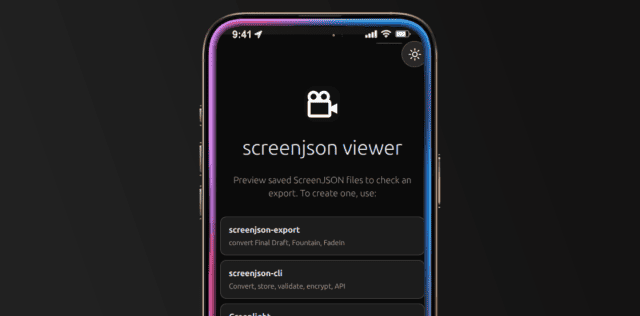
What it is
The iOS Viewer is the ScreenJSON reader for iPhone and iPad. It uses the same viewer engine as the desktop app, but packaged as a native mobile shell so a screenplay can be opened on-device with touch-first reading controls.
It uses @screenjson/ui for the screenplay render
engine and adds the Tauri/iOS wrapper for file handling and native packaging.
What it does
- Opens local ScreenJSON files on iPhone and iPad
- Prompts for passwords on encrypted scripts and decrypts in memory
- Uses responsive screenplay reflow on smaller screens
- Supports tap-to-toggle controls, zoom, and dark/light mode
- Keeps the app read-only by design
Install
git clone https://github.com/screenjson/screenjson-viewer.git
cd screenjson-viewer
npm install
The viewer now installs @screenjson/ui from npm as a normal dependency.
iOS prerequisites
To build for iOS, install:
- Xcode 15+
- an Apple Developer account
- CocoaPods
iOS development
One-time setup:
npm run tauri:ios:initThen run:
npm run tauri:ios:devThis launches the app on a simulator or attached device.
Build for release
npm run tauri:ios:buildThe native iOS project is generated under src-tauri/gen/apple/.
When to use it
Use the iOS Viewer when a screenplay needs to be read locally on iPhone or iPad with a native app shell, offline access, and a touch-friendly reading experience.